
Currently, Markdown Exporter has some known limitations. We are constantly working to improve the app. The issues and limitations will be fixed whenever possible.
Images and attachments in Excerpt Include macro cannot be exported
If you are using Excerpt Include (insert excerpt below) macro to include content that has images and attachments, they are not exported.
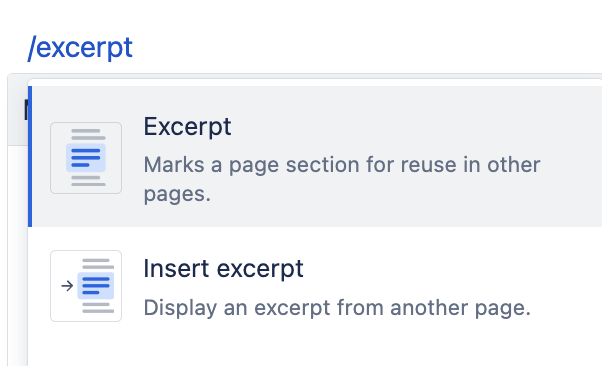
That is because they are not part of the page attachments. However, it can be exported from the source page where the main “Excerpt” macro is added.
Page tree macro is not supported
This app currently does not support exporting pages inside “Page tree” macro. As a workaround, please use “Child Pages (Children Display)” macro, which has the same features as page tree macro.
Header image cannot be exported
The header image on a Confluence page cannot be exported because the image is not part of the page’s attachment.
As a workaround, please attach the image onto the page with More Actions(…) → Attachments → Files → Under “Attach Files” choose Upload.
Large exports may fail due to browser memory limits
The app runs in your browser and loads all selected pages and attachments before packaging the download. For large exports, this can exhaust available browser memory and cause the export to fail.
Note: The Confluence API does not distinguish between attachments actively used in page content and those uploaded but no longer referenced. The app fetches all of them, so legacy attachments contribute to memory usage even if they are not used.
What to try if your export fails
-
Clean up unused attachments — Go to the page → More actions (…) → Attachments and remove anything no longer used in content. Re-run the export.
-
Export in smaller batches — Deselect some root pages and export in multiple passes, then combine the ZIPs locally.
-
Test without attachments — If the export succeeds without attachments, attachment volume is the cause.
Use Chrome or Edge on a desktop with other heavy tabs closed. More RAM on your machine directly increases the size of export the app can handle.
If the issue persists, contact support with a HAR file from the failed export (how to generate one).