
Streamline issue creation across projects in Jira with predefined issue templates.
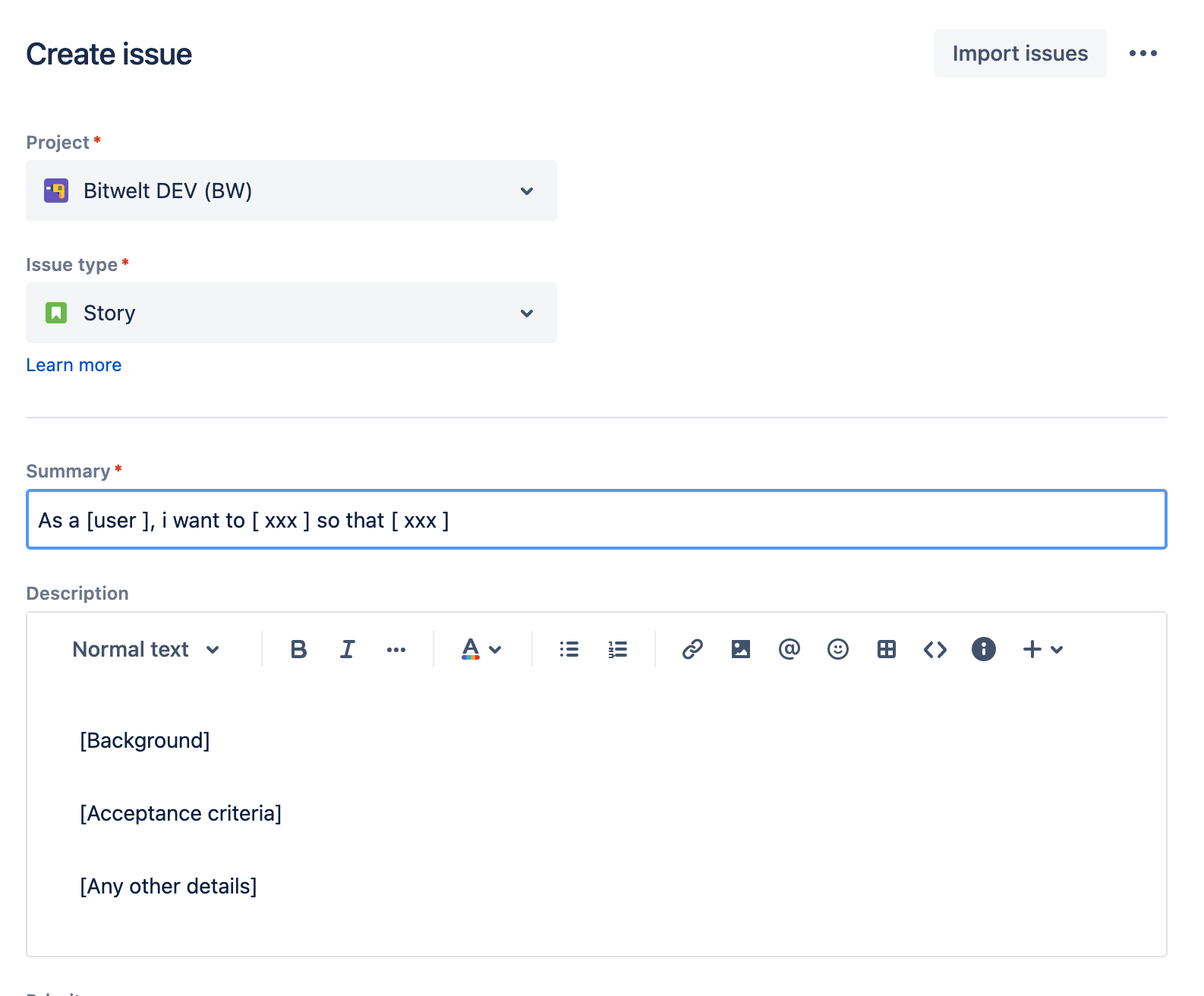
Using Issue Templates Pro for Jira - Description Templates for Jira & JSM, you can define templates for summary and description fields. The templates will be automatically pre-filled into the fields in the create issue screen.
If you are using a version from v3.0.0 to v5.0.0, you need to upgrade the app. Otherwise, the app will throw an error, and users will not be able to manage templates. Please contact our 👉 support if you need help.
This app works on both company-managed and team-managed projects.
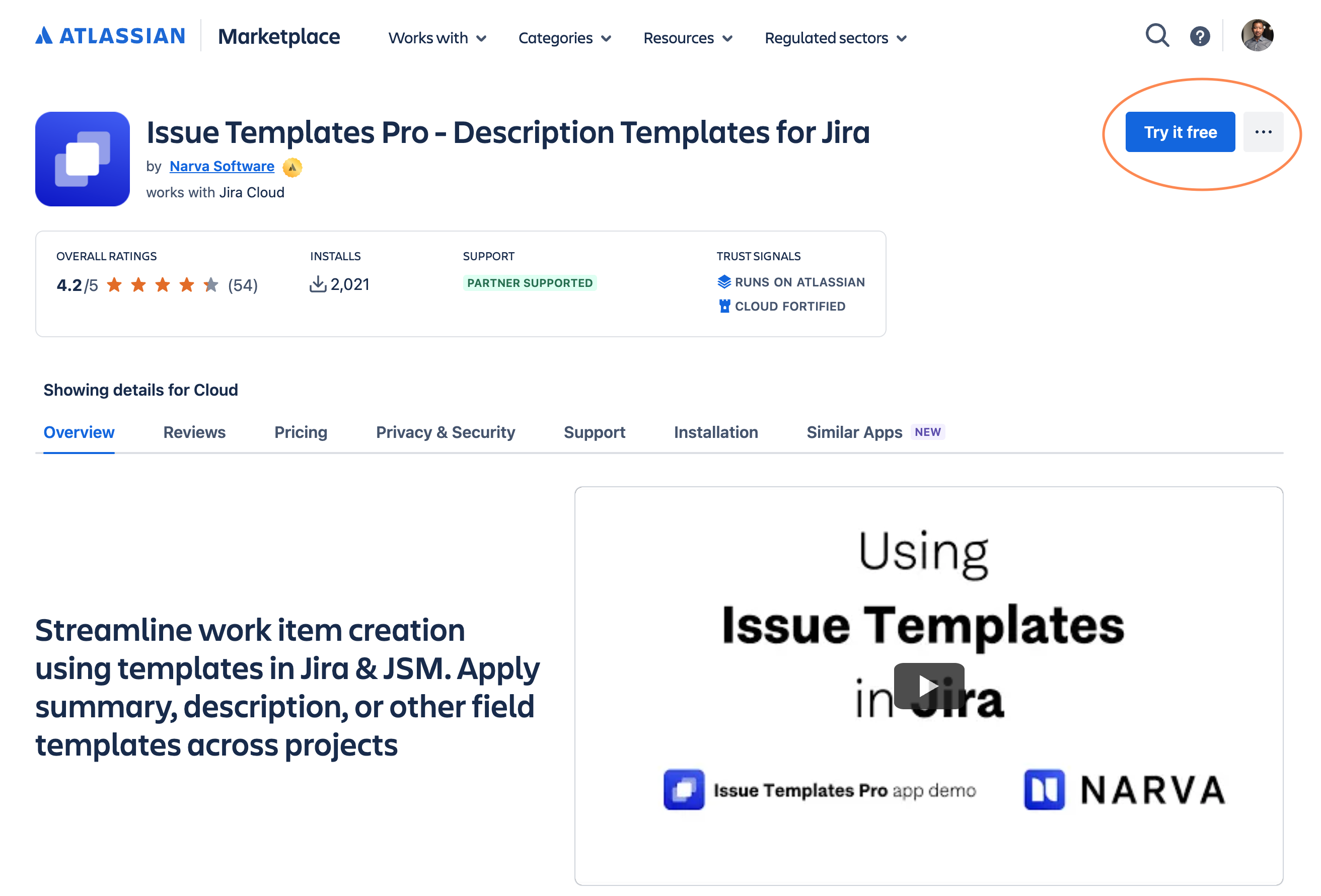
Issue Templates Pro is available on the Atlassian Marketplace. You can try the app for 30 days for FREE!
-
Go to Issue Templates Pro for Jira on Atlassian Marketplace
-
Click on Try it free
-
Choose your instance and click Install app
The app will be installed in your Jira instance.
If you are not the Jira admin, you can request the app instead, following the same process above. Your Jira admin will be informed with the request to install this app.
Once the installation is complete, you can start using templates in your Jira projects.